
File Information
Inspect duration, size, tracks, languages, and useful details without changing the file.
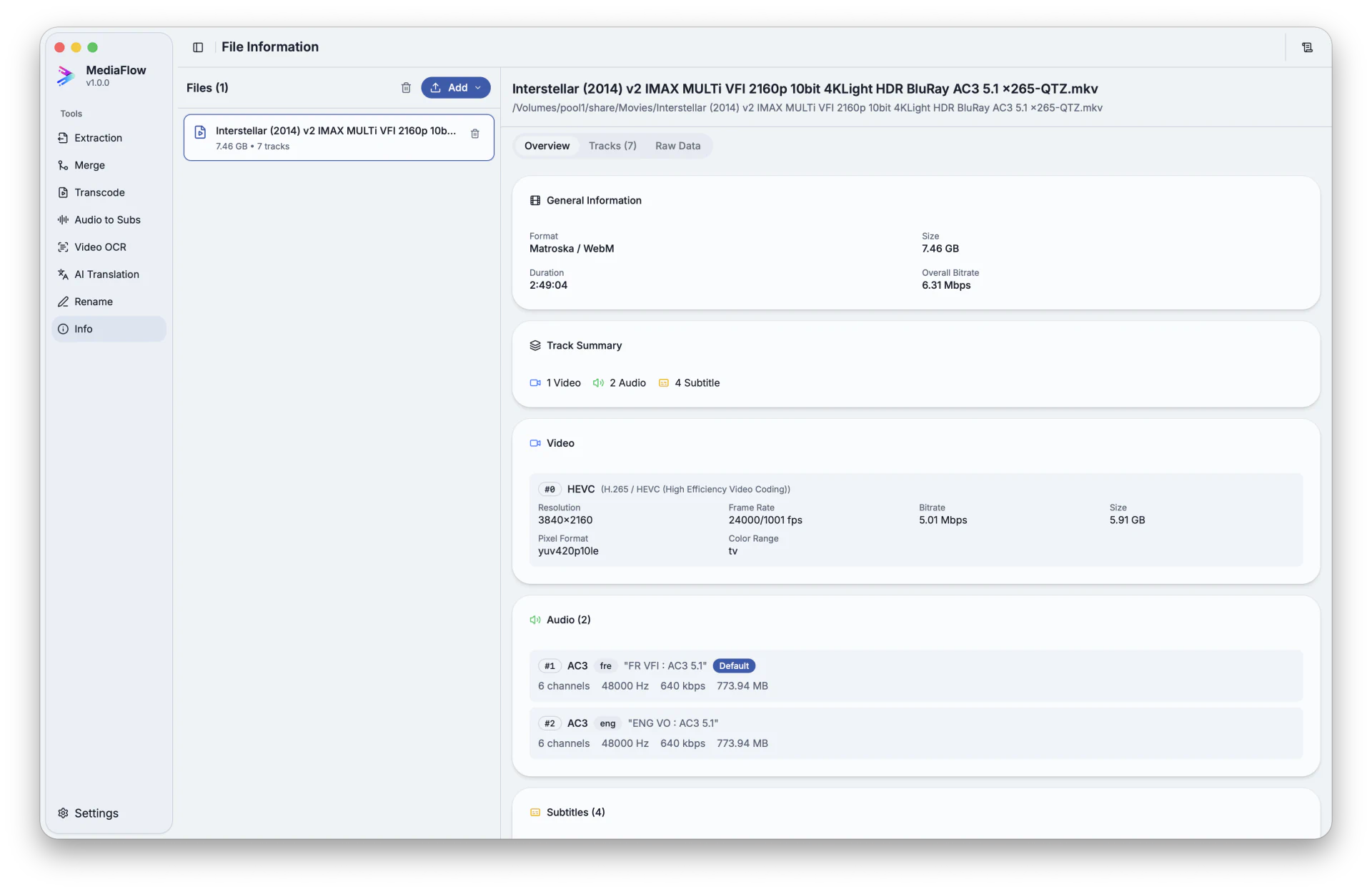
Overview
File Information opens media files in a read-only view so you can check duration, size, tracks, language labels, and other useful details.
Works with other tools
Some outputs can be opened again in another MediaFlow workspace.
Formats
Use this section to confirm what you can bring in and what you can save.
Import common media files you want to inspect.
This tool does not change media files. You can copy the displayed details when you need to share them.
How to use
Follow these steps inside the desktop app. A placeholder appears when a focused screenshot is not available yet.
Import supported media files from disk or from compatible MediaFlow source lists.
Check file size, duration, and track counts.
Open the track view to check languages, titles, labels, dimensions, and audio details.
Copy the displayed details when you need to share them or keep them with your project.
Screenshots
Use these captures to recognize the workspace and key areas of the tool.