
Track Merge
Add subtitle or audio tracks to videos and create clean, ready-to-use media files.
Overview
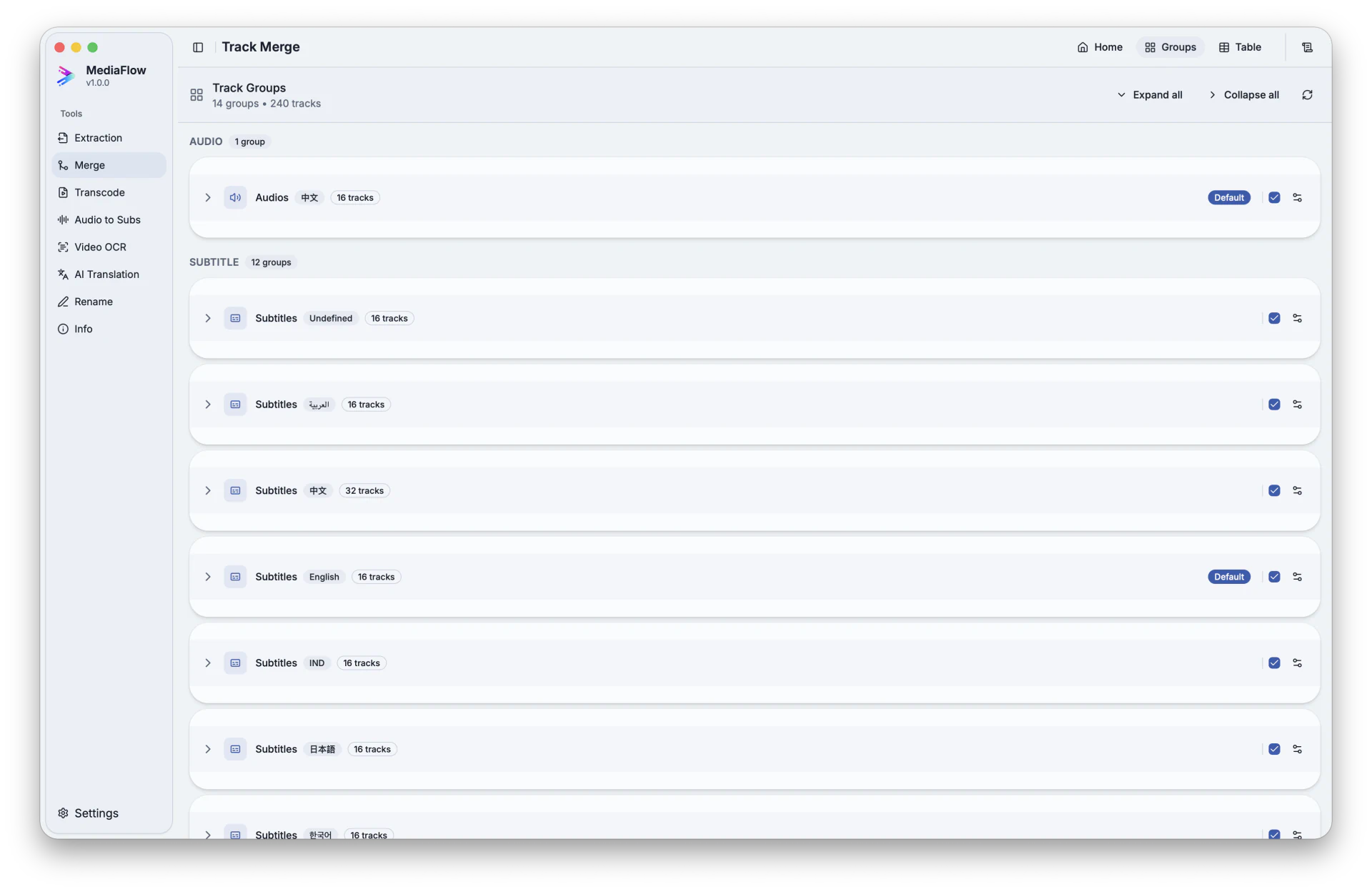
Track Merge combines a video with matching subtitles or audio, lets you adjust labels and order, then saves a final media file.
Works with other tools
Some outputs can be opened again in another MediaFlow workspace.
Formats
Use this section to confirm what you can bring in and what you can save.
Import source videos and the subtitle or audio files you want to add.
Merged outputs are saved as MKV files with names you review before starting.
How to use
Follow these steps inside the desktop app. A placeholder appears when a focused screenshot is not available yet.
Import the videos that will receive additional tracks.
Add audio or subtitle files, or bring in tracks saved from Track Extraction.
Attach tracks manually or review suggested matches, then adjust language, title, order, and defaults.
Review output names, choose the destination, and save the batch.
Screenshots
Use these captures to recognize the workspace and key areas of the tool.