
Transcode
Prepare videos or audio for sharing, editing, archiving, or smaller file sizes.
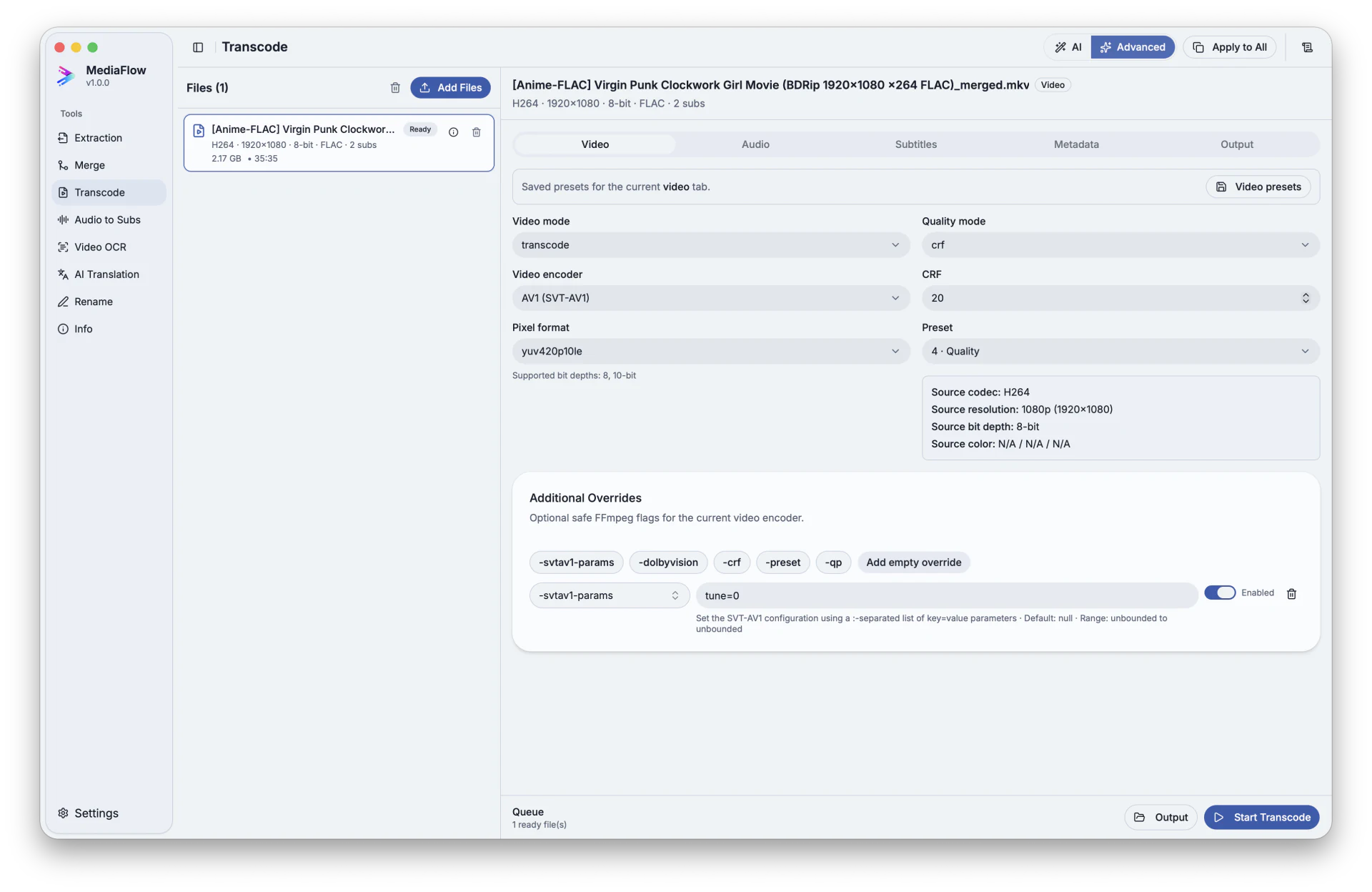
Overview
Transcode prepares video or audio files for a specific goal, such as easier playback, smaller size, sharing, editing, or archiving.
Works with other tools
Some outputs can be opened again in another MediaFlow workspace.
Formats
Use this section to confirm what you can bring in and what you can save.
Import common video and audio files you want to prepare for another use.
Save a new media file in the format that fits your selected goal.
How to use
Follow these steps inside the desktop app. A placeholder appears when a focused screenshot is not available yet.
Import the videos or audio files you want to prepare.
Pick a guided suggestion or adjust the output choices yourself.
Check video, audio, subtitles, and naming before saving the new file.
Choose destinations, resolve name conflicts, and start the batch.
Screenshots
Use these captures to recognize the workspace and key areas of the tool.